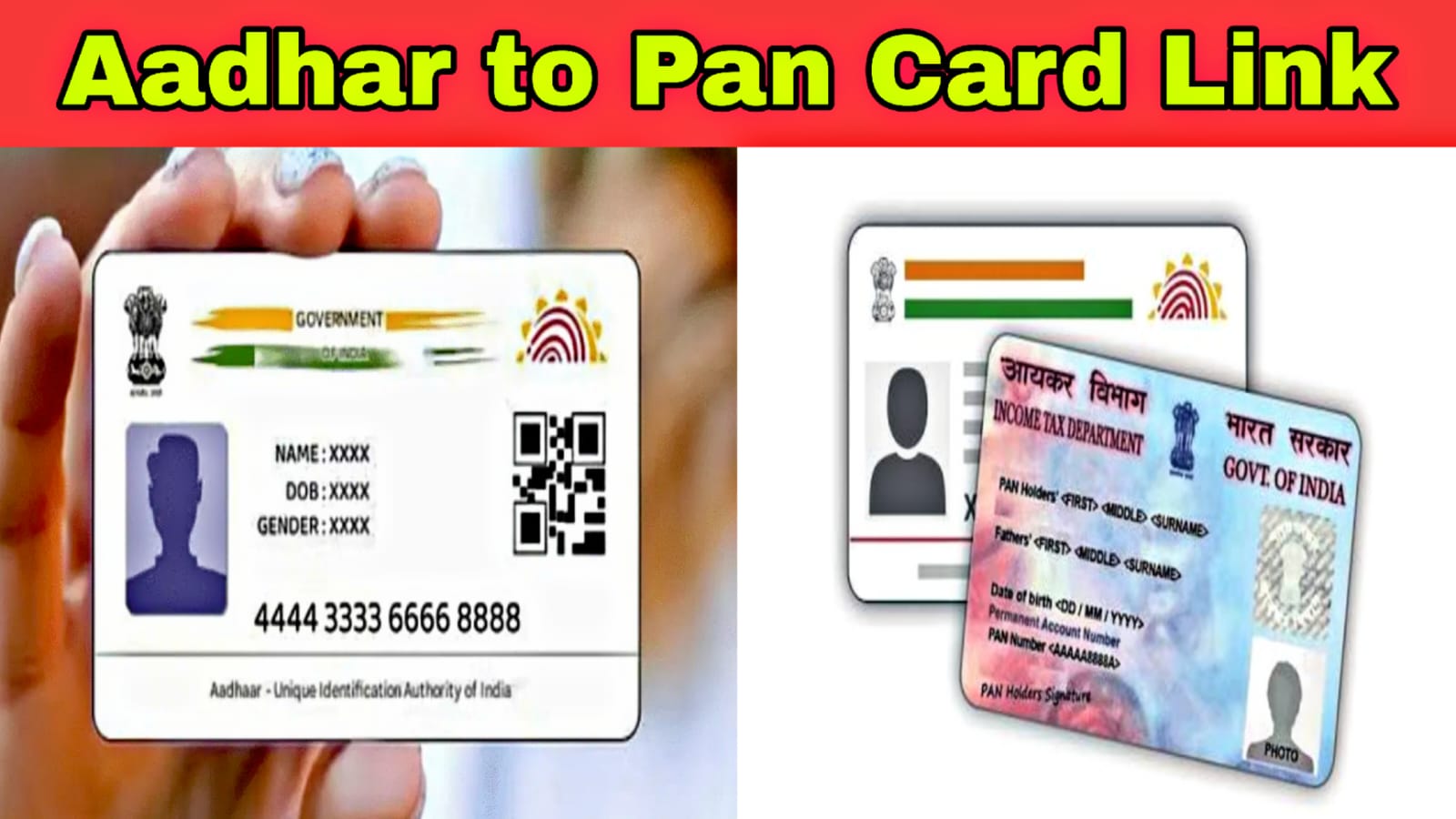
How to Connect and Link Aadhaar Card with PAN Card – Easy Steps
Introduction
Linking your Aadhaar card with your PAN card is an important process for Indian citizens. The Government of India has made this mandatory to avoid duplicate identities and to ensure transparency in financial transactions. Once linked, your PAN remains valid for income tax filing and other official purposes.
Linking Aadhaar with PAN has become mandatory for Indian citizens to avoid PAN becoming inoperative and to ensure smooth financial and tax-related activities. The Government of India has made the online process very simple, and it can be completed easily using a mobile phone with internet access.
Why Aadhaar–PAN Linking Is Important
Aadhaar–PAN linking helps the government track financial activities correctly and prevents misuse of PAN cards. If PAN is not linked with Aadhaar, it may become inoperative, which can create problems while filing income tax returns, opening bank accounts, or doing high-value transactions.
Documents Required
To link Aadhaar with PAN, you only need your Aadhaar number, PAN number, and a mobile number registered with Aadhaar for OTP verification.Things You Need Before Starting To link Aadhaar and PAN online, you need your Aadhaar number, PAN number, a mobile phone linked with your Aadhaar for OTP verification, and a stable internet connection.
Linking Through Income Tax e-Filing Account
If you already have an account on the income tax portal, log in using your PAN and password. Go to the profile or “My Profile” section and select the “Link Aadhaar” option. Enter your Aadhaar number and confirm the details. After OTP verification, your Aadhaar will be linked with your PAN.
Offline Method to Link Aadhaar with PAN
If you are unable to link online, you can visit a PAN service center. Fill out the Aadhaar–PAN linking form and submit a self-attested copy of your Aadhaar card and PAN card. Biometric verification may be done, and after processing, your Aadhaar will be linked with your PAN.
Online Method to Link Aadhaar with PAN
First, open the official Income Tax e-filing website. On the homepage, find the option for “Link Aadhaar.” Enter your PAN number and Aadhaar number in the given fields. Check that your name and date of birth match on both documents. Enter the captcha code and submit the details. You will receive an OTP on your Aadhaar-linked mobile number. Enter the OTP to complete the linking process successfully.
Step-by-Step Online Method Using Mobile Phone
First, open the browser on your mobile phone and visit the official Income Tax e-filing website. On the home page, look for the option related to Aadhaar–PAN linking. Tap on the “Link Aadhaar” option.
Next, enter your PAN number and Aadhaar number carefully in the given fields. Make sure the details match exactly as printed on both documents to avoid errors.

After entering the details, tap on the submit button. An OTP will be sent to the mobile number registered with your Aadhaar. Enter the OTP in the space provided to verify your identity.
Once the OTP is verified successfully, a confirmation message will appear on the screen stating that your Aadhaar has been linked with your PAN.
How to Check Aadhaar–PAN Linking Status
To check the status, visit the income tax e-filing website and click on “Link Aadhaar Status.” Enter your PAN and Aadhaar numbers. The website will show whether your Aadhaar is already linked with your PAN.
Common Problems and Solutions
Sometimes linking fails due to mismatched name, date of birth, or gender details. In such cases, you should update the incorrect details either in Aadhaar or PAN before trying again. Ensure that your mobile number is active and linked with Aadhaar for OTP verification.
Conclusion
Linking Aadhaar with PAN is a simple but very important process. By following these easy steps, you can complete the linking smoothly and avoid future legal or financial issues. It is always better to link both documents as early as possible for hassle-free services.