How to Recover Government Certificates and 10th, 12th, and College Mark Sheets Using Your Mobile
Introduction
Losing important educational certificates or government documents can be stressful, especially when they are needed for college admissions, job applications, passport verification, or other official purposes. Fortunately, many government services are now available online, allowing you to recover or download digital copies of your documents directly from your smartphone. With the help of official government portals and mobile apps, the process has become faster, safer, and more convenient.
Why Digital Documents Are Important
Digital certificates have the same value as physical copies when accepted by the receiving organization. Keeping digital copies on your mobile helps you access your documents anytime without worrying about damage or loss. They are also useful for online applications, document verification, and emergency situations where you need to submit proof immediately.
Recovering Government Certificates
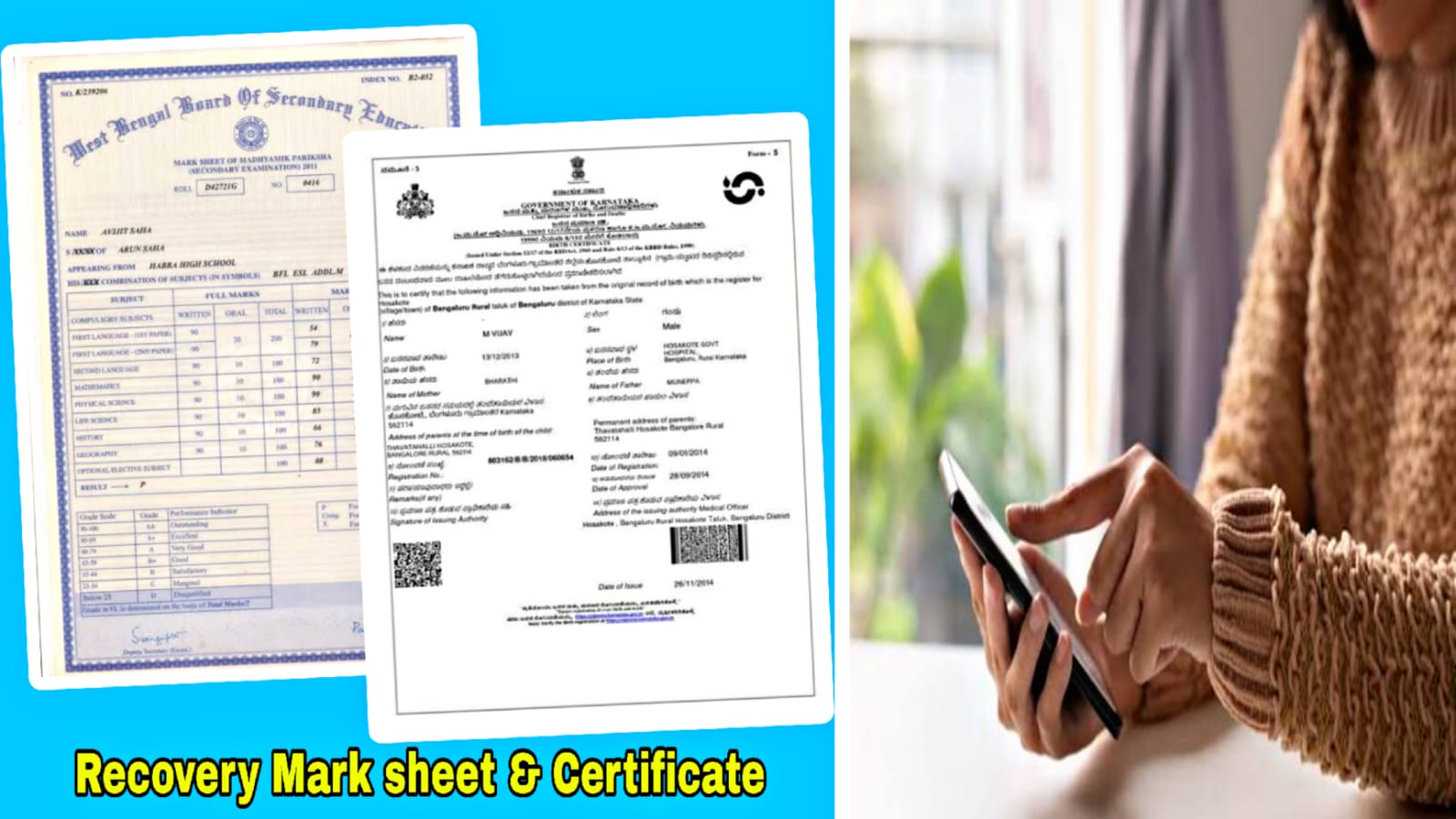
Many government-issued documents such as Aadhaar, PAN, Driving Licence, Voter ID, Birth Certificate, Income Certificate, Community Certificate, Residence Certificate, and other state-issued certificates can be downloaded from their respective official portals or through DigiLocker if they have been linked to your account. After verifying your identity with your registered mobile number or other required details, you can securely access and download available digital documents.
How to Download 10th and 12th Mark Sheets
Students who have completed their school
education can often download digital copies of their Class 10 and Class 12 mark sheets through DigiLocker or the official website of their education board. After signing in with the required details such as Aadhaar, registered mobile number, roll number, or year of passing, the mark sheets can usually be retrieved and saved as PDF files on your mobile.
Recovering College Mark Sheets
If you need a copy of your college mark sheet or degree certificate, the first step is to check whether your university provides online student services. Many universities allow students to log in using their registration number and password to download semester mark sheets and provisional certificates. If your university does not offer this facility, you can contact the examination office or student service center to request duplicate copies by following the official procedure.
Using DigiLocker for Document Storage
DigiLocker is a secure digital document platform provided by the Government of India. It allows users to store, access, and share official documents from a single place. After creating an account with your mobile number and Aadhaar, you can fetch available documents issued by various government departments and educational boards. This reduces the need to carry physical certificates and helps protect important records from being lost.
Safety Tips While Accessing Documents
Always use official government websites or trusted mobile applications when downloading important documents. Never share your OTP, password, or personal details with unknown people or unofficial websites. After downloading your certificates, save backup copies in secure cloud storage and on another trusted device to prevent data loss.
What to Do If Documents Are Not Available Online
Some older certificates or records may not yet be available digitally. In such cases, visit the issuing authority, school, college, university, or government office with valid identity proof and submit an application for duplicate documents. Following the official process ensures that you receive genuine and legally valid copies.
Recovering Aadhaar Card Using Your Mobile
The Aadhaar card is one of the most important identity documents in India. If your physical Aadhaar card is lost, damaged, or misplaced, you can download an electronic copy using the official UIDAI services. After verifying your identity through your registered mobile number and OTP, you can securely download the digital version. The electronic Aadhaar contains the same personal information as the printed version and is widely accepted for identity verification.
Downloading PAN Card Digitally
A Permanent Account Number (PAN) card is required for financial transactions, income tax filing, and banking services. If your PAN card is unavailable, several official services allow eligible users to obtain a digital version after completing identity verification. Once downloaded, the digital PAN can be safely stored on your smartphone and used whenever required for official purposes.
Conclusion
Recovering government certificates, school mark sheets, and college documents has become much easier with digital services. By using your smartphone and official government platforms, you can securely download and store many important records whenever needed. Keeping digital backups of all your essential documents saves time, reduces stress, and ensures that your certificates are always available for education, employment, and other official purposes.