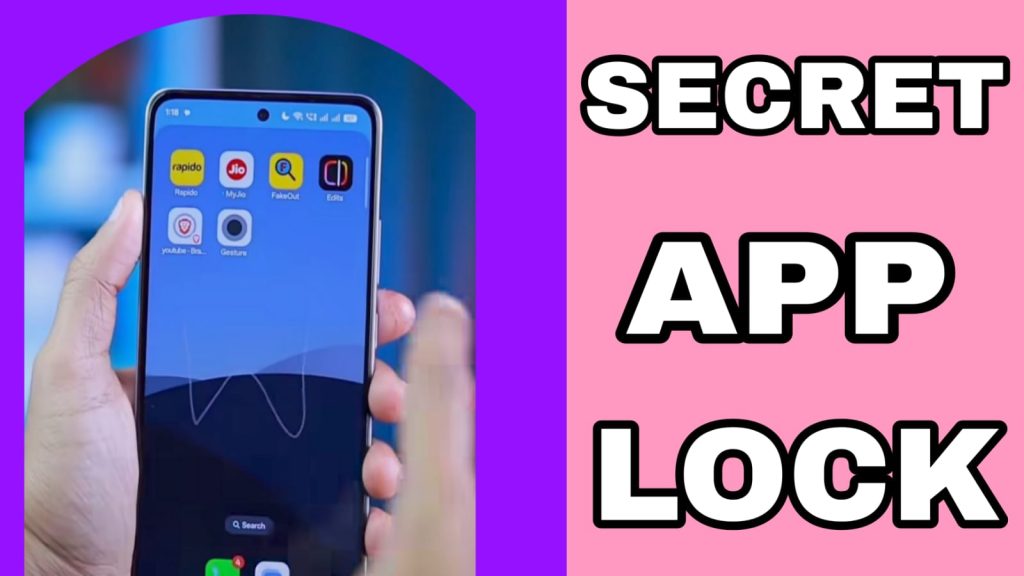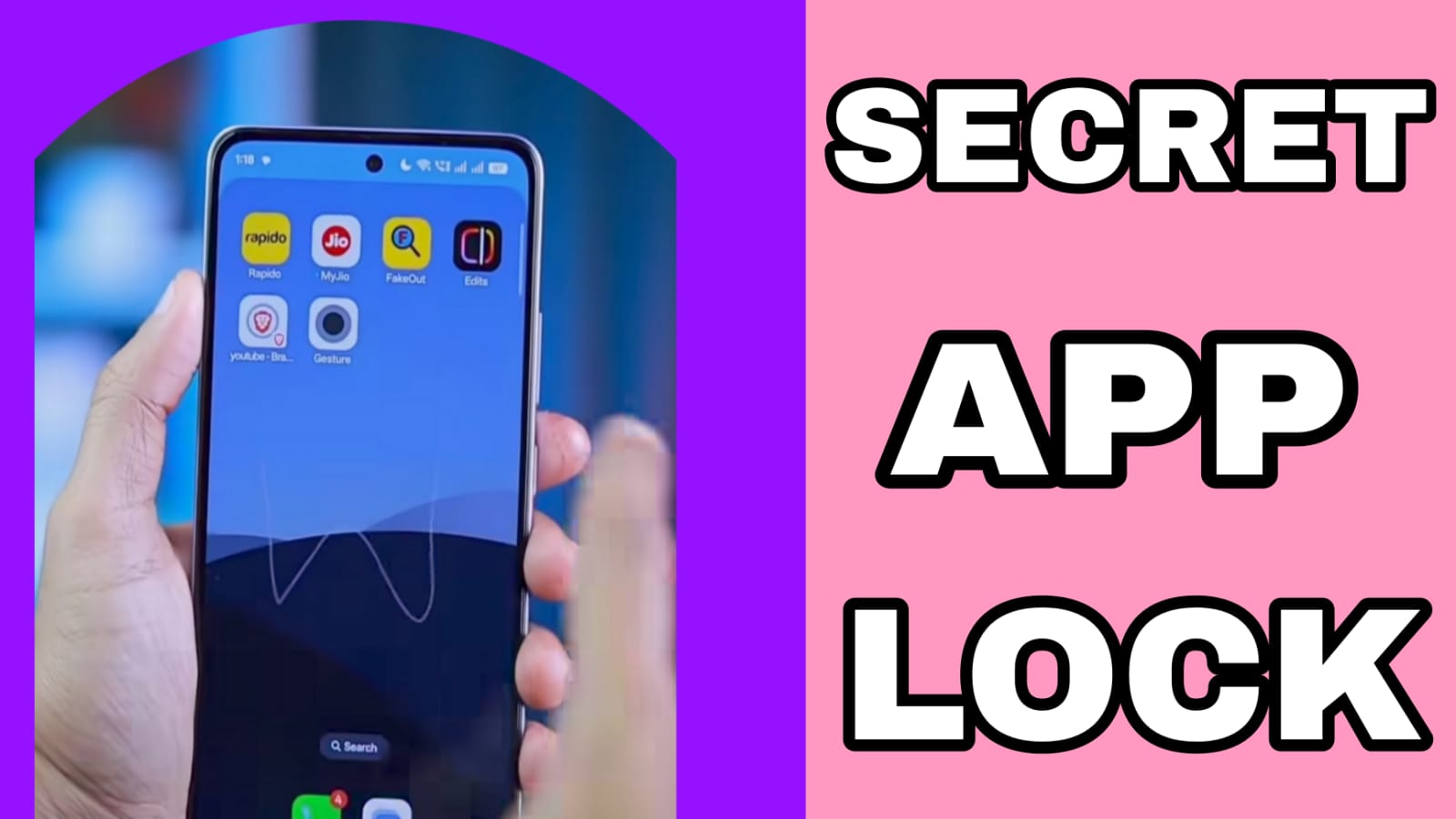
Mobile Phone Draw Line Secret Lock for Apps (Gesture Style)
Introduction
smartphones store personal photos, messages, banking apps, and social media accounts. Protecting this private information is very important. One popular security method is the gesture-style secret lock, where users draw a line or design pattern on the screen to unlock their phone or open specific apps. This method is simple, fast, and secure when used properly.
What is a Gesture Style Lock?
A gesture lock, also called a pattern lock, allows users to draw a unique design by connecting dots on the screen. Instead of typing a PIN or password, you create a pattern such as a shape, letter, or custom design. The phone remembers this design and only unlocks when the correct pattern is drawn.Most Android phones support this feature as a screen lock option. Additionally, many app locker applications allow users to set gesture locks for individual apps like WhatsApp, Gallery, or Instagram.
How Gesture Lock Works
When setting up a gesture lock, the screen displays a grid of dots, usually in a 3×3 format. The user connects these dots in a specific order to create a pattern. The phone stores this pattern securely.
When unlocking, the system compares the drawn pattern with the saved one. If it matches, access is granted. If the wrong pattern is entered multiple times, the device may temporarily lock or ask for backup authentication like PIN, password, or fingerprint.
Benefits of Gesture Style Lock
Gesture locks are easy to remember because they are based on visual memory. Users can create meaningful shapes like letters or symbols. It is also faster than typing long passwords.
Another advantage is convenience. Drawing a pattern takes only a second, making it useful for quick access. Many users prefer it because it feels smooth and modern.
Security Considerations
Although gesture locks are convenient, they must be created carefully. Simple patterns such as straight lines or common shapes can be guessed easily. Smudge marks on the screen may also reveal the pattern if someone looks closely.
To improve security, users should create complex designs with multiple connections and avoid obvious shapes. Combining gesture lock with fingerprint or face unlock increases protection.
Gesture Lock for App Protection
Many Android apps provide gesture-style locks for individual applications. For example, users can lock messaging apps, photo galleries, or banking apps separately. This ensures that even if someone unlocks the phone, sensitive apps remain protected.
App lock applications from the Play Store offer additional features like hidden patterns, invisible lines while drawing, and security questions.
Features of Secret App Lock
Secret app lock applications provide multiple security options. Users can set a PIN, pattern, or biometric lock such as fingerprint or face unlock. Many app lock tools also offer a hidden mode, where the app icon is disguised or hidden from the home screen. Some advanced versions include intruder selfie features that capture a photo when someone enters the wrong password.
Another useful feature is notification control. It hides message previews from locked apps so others cannot read private messages from the notification bar. Time-based locking and automatic re-locking are also available in some applications.
Importance of Secret App Lock
Privacy is one of the biggest reasons people use secret app locks. Sometimes friends, colleagues, or family members use our phones. In such situations, app lock ensures that personal data remains safe. It is especially important for students, employees, and business professionals who store confidential information on their devices.It also helps prevent misuse of social media accounts and financial apps. In case your phone is lost or stolen, app lock adds extra protection to sensitive applications.
Advantages and Limitations
The main advantage of a secret app lock is enhanced privacy and security. It is easy to install and simple to use. Most app locks are free and available on Android devices.
However, there are some limitations. If the app lock is not from a trusted developer, it may show too many ads or collect user data. Also, if the user forgets the password, it can be difficult to access locked apps.
Conclusion
The draw line or design secret lock in gesture style is a simple and effective way to protect mobile phones and apps. It combines ease of use with reasonable security. However, users must choose strong patterns and use additional security options when possible. With proper usage, gesture locks provide both convenience and privacy in everyday smartphone use.