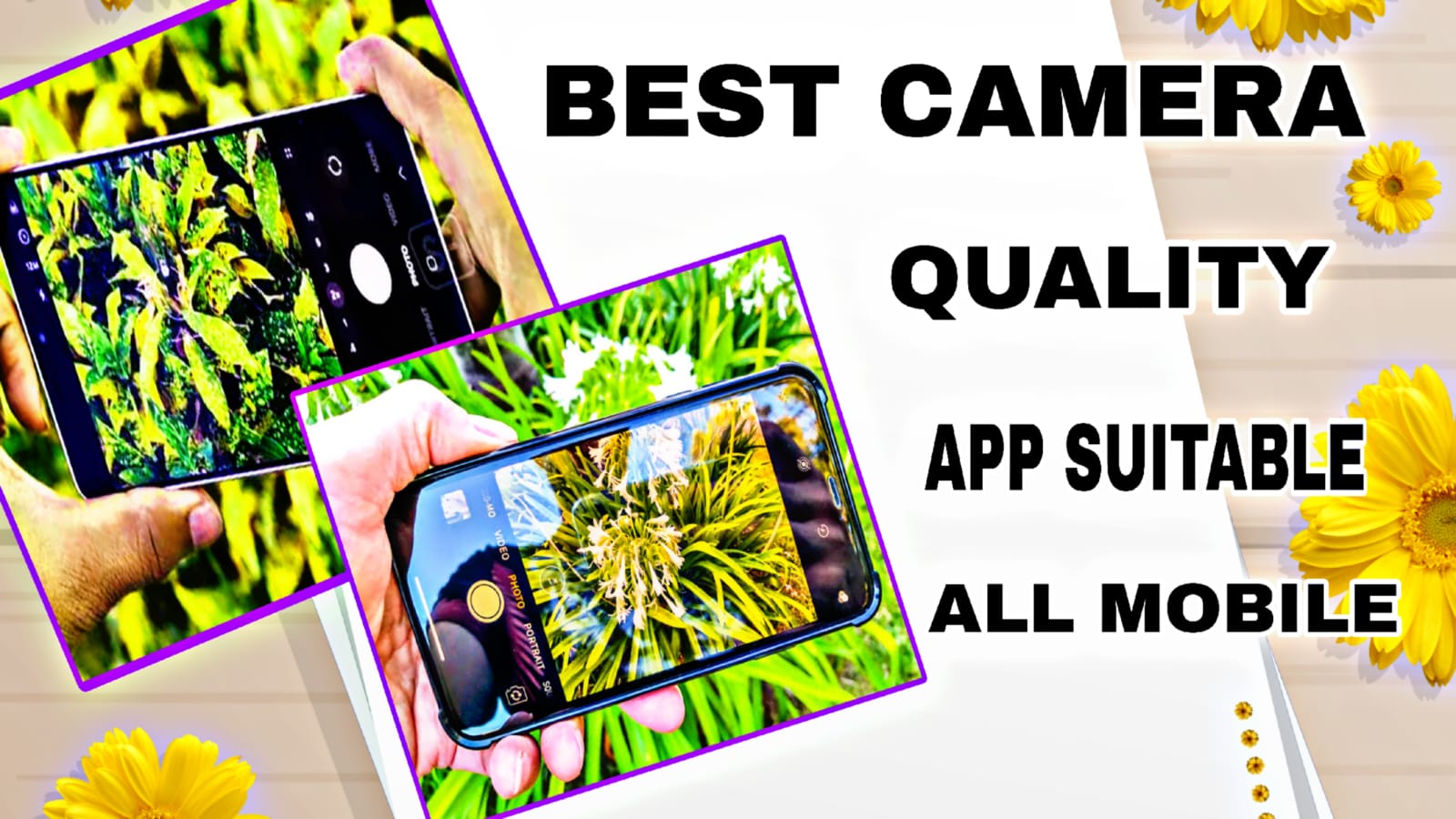
Best Camera Quality Apps and Their Benefits & Features for Photo and Video (Suitable for All Mobile Phones)
Nowadays smartphone photography and videography have become very popular because people create social media content, reels, YouTube videos, and professional photos using only mobile phones. However, the default camera app in many phones does not provide full quality or advanced controls. Camera applications help improve image clarity, video stabilization, lighting balance, and professional editing options. The right camera app can turn even a normal mobile phone into a powerful photography device.
Google Camera (GCam) – Best for Natural Photo Quality
Google Camera, commonly called GCam, is one of the most popular camera apps among Android users because it uses advanced computational photography technology. The app automatically combines multiple images to produce sharper and brighter photos. Features like HDR+, Night Sight, Portrait Mode, and AI image processing allow users to capture professional-quality photos even in low light conditions. According to photography comparisons, GCam delivers excellent dynamic range and smooth video stabilization without requiring manual adjustments, making it ideal for beginners and content creators.
Cotocus
Open Camera – Best Free App for All Devices
Open Camera is a completely free and open-source camera application suitable for almost all Android phones. It provides manual focus, ISO control, exposure adjustment, and white balance settings that are usually available only in professional cameras. The app also includes auto-stabilization and voice commands for hands-free photography. Because it is lightweight and ad-free, it works smoothly even on budget smartphones and improves overall camera performance significantly.
Adobe Lightroom Camera – Best for Photo and Video Editing
Adobe Lightroom is not only an editing app but also includes a powerful in-app camera with professional shooting controls. It supports RAW image capture, AI editing tools, color grading, and cloud synchronization across devices. Recent updates added AI features like distraction removal and intelligent editing workflows, helping creators produce high-quality photos and videos directly from mobile devices. This makes Lightroom highly suitable for photographers, influencers, and social media creators.
Snapseed – Best Easy Editing Camera Companion
Snapseed is a widely used mobile photography app developed by Google that enhances photos using professional editing tools. Users can adjust brightness, contrast, filters, HDR effects, and selective editing through simple swipe gestures. The app supports RAW images and allows users to save editing history, making it easy to refine photos without losing quality. The latest versions include AI object editing tools and improved filters that help create professional results quickly.
ProCam X and ProShot – DSLR Experience on Mobile
ProCam X and ProShot are designed for users who want DSLR-level control on their smartphones. These apps allow manual adjustment of shutter speed, ISO, focus, and exposure settings. They also support 4K video recording, RAW image capture, and creative modes like timelapse and light painting. Such features give photographers complete creative control, similar to using professional cameras.
AI Camera Apps for Creative Photos and Videos
Modern AI camera apps like Filmora camera integrate artificial intelligence to automatically enhance photos and videos. These apps provide animated effects, background changes, templates, and 4K export options. AI processing helps beginners create cinematic videos and stylish photos without advanced editing knowledge, making content creation faster and easier.
Benefits of Using Camera Apps
Camera apps improve image processing beyond the default mobile camera. They enhance low-light photography, provide manual professional controls, increase video stability, and offer advanced color correction. Many apps also support RAW format, allowing higher quality editing later. Users can achieve DSLR-like results, better social media content quality, and creative visual effects without buying expensive equipment.
Features That Make a Camera App
Suitable for All Mobile Phones
A good camera app should work smoothly on both budget and premium smartphones. Important features include HDR support, night mode, manual controls, video stabilization, AI enhancement, RAW support, and simple user interface design. Compatibility with multiple Android and iOS devices ensures that users can experience improved camera performance regardless of their phone model.
Understanding Camera Quality
Camera quality depends on several factors such as sensor size, lighting conditions, resolution, and image processing software. A higher megapixel count alone does not guarantee better quality. Proper lighting, stable shooting, and correct camera settings contribute more to producing clear and sharp images. Modern smartphones use artificial intelligence to automatically adjust colors, exposure, and sharpness, which improves overall image output.
Importance of Lighting in Photography and Video
Lighting is one of the most important elements for achieving high-quality results. Natural light provides the best clarity and accurate colors. Shooting during daylight or near windows helps reduce noise and improves sharpness. In low-light situations, using additional light sources or enabling night mode can significantly enhance image quality and reduce graininess in videos.
Camera Settings for Better Results
Adjusting camera settings can instantly improve photo and video quality. Increasing resolution to the highest available option ensures more detail is captured. Using HDR mode helps balance bright and dark areas in a frame. Keeping ISO low reduces noise, while proper focus and exposure adjustments make subjects clearer. Stabilization features or using a tripod help prevent motion blur during recording.
Enhancing Low-Quality Photos Using Editing Tools
Low-quality photos can be enhanced through editing applications that use AI technology. These tools sharpen details, correct colors, and upscale resolution without losing clarity. Adjusting brightness, contrast, saturation, and sharpness carefully can transform dull images into professional-looking photos. Cropping and straightening also improve composition and visual appeal.
Conclusion
Camera quality does not depend only on hardware; software plays a major role in improving photos and videos. Apps like Google Camera, Open Camera, Adobe Lightroom, Snapseed, and ProCam X provide powerful tools that transform ordinary smartphones into professional cameras. By choosing the right camera app, users can capture clearer photos, record smoother videos, and create high-quality content suitable for social media, personal memories, or professional projects.