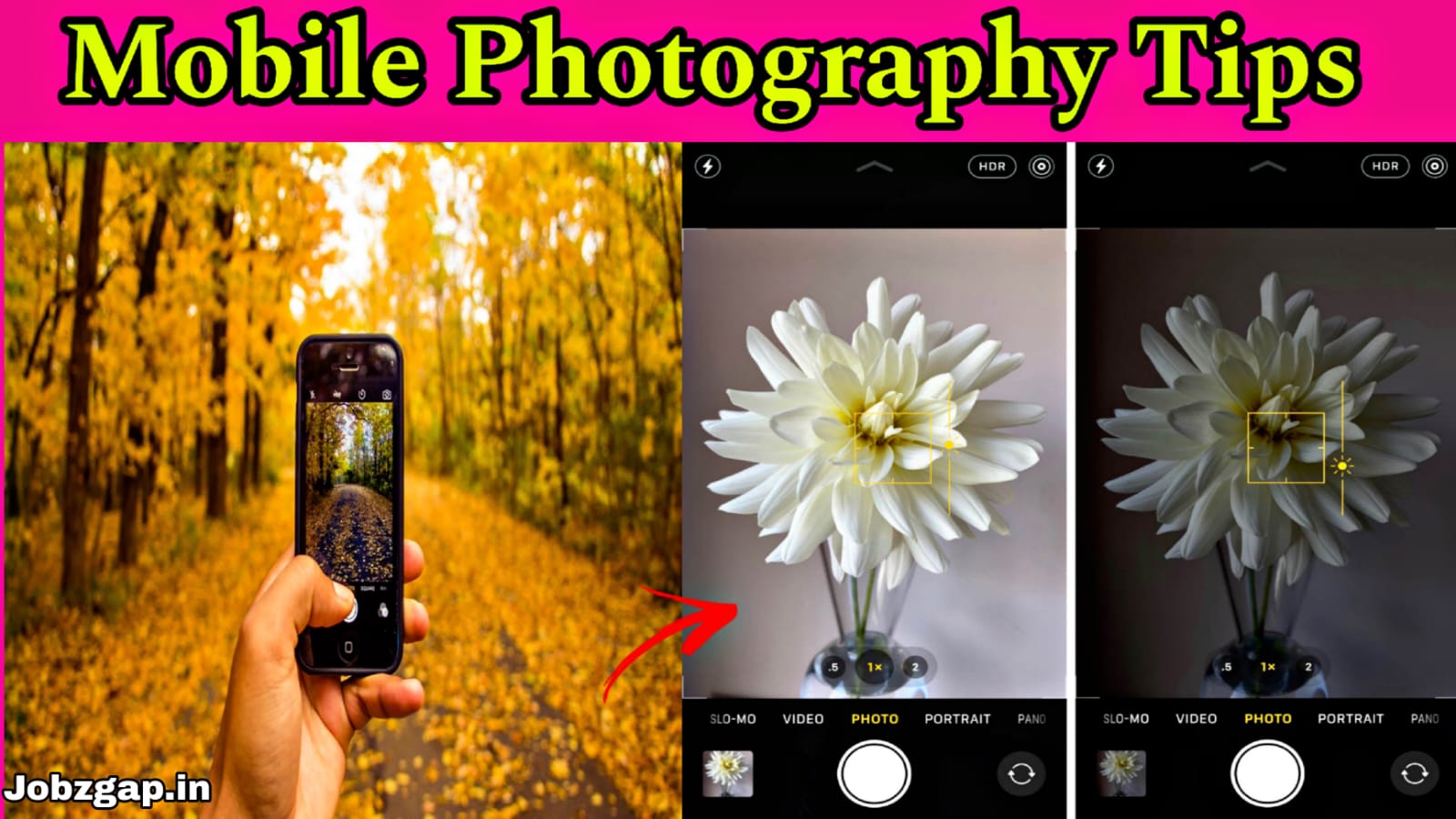
Mobile Photography Tips:
Capture Stunning Photos with Your Smartphone
Introduction
Mobile photography has become more popular than ever. Modern smartphones come with powerful cameras that allow anyone to take professional-looking photos without expensive equipment. By learning a few simple techniques, you can dramatically improve the quality of your smartphone pictures.
Clean Your Camera Lens
One of the most common reasons for blurry photos is a dirty camera lens. Dust, fingerprints, and smudges can reduce image quality. Before taking photos, gently wipe the lens with a soft cloth. A clean lens ensures sharper and clearer images.
Use Natural Light Whenever Possible
Lighting plays a crucial role in photography. Natural sunlight helps create bright, vibrant, and detailed images. Try to take photos during the morning or evening when the light is softer. Avoid harsh midday sunlight, which can create strong shadows and overexposed areas.
Focus on Your Subject
Before capturing a photo, tap on the screen where your subject is located. This helps the camera focus correctly and improves image sharpness. Proper focus ensures that the main subject stands out
clearly.
Follow the Rule of Thirds
Most smartphones offer a grid feature in camera settings. Enable the grid and place your subject along the lines or intersections. This technique, known as the rule of thirds, creates balanced and visually appealing compositions.
Avoid Excessive Digital Zoom
Using digital zoom can reduce image quality and make photos appear pixelated. Instead of zooming in, move closer to the subject whenever possible. This helps maintain sharpness and detail.
Keep Your Hands Steady & Use HDR Mode Wisely
Camera shake can cause blurry images, especially in low-light conditions. Hold your phone with both hands and keep your elbows close to your body. For even better stability, use a tripod or place the phone on a stable surface.HDR (High Dynamic Range) helps balance bright and dark areas in a photo. It is especially useful when photographing landscapes, sunsets, or scenes with strong contrast. HDR can reveal more details and create a balanced exposure.
Experiment with Different Angles
Instead of taking every photo from eye level, try shooting from different perspectives. Capture images from a lower angle, higher angle, or side view. Creative angles can make ordinary subjects look more interesting and unique.
Learn Basic Photo Editing
Editing can enhance your photos without making them look unnatural. Adjust brightness, contrast, saturation, and sharpness using mobile editing apps. Small improvements can make a significant difference in the final result.
Use Portrait Mode for Better Background Blur
Portrait mode creates a professional-looking background blur that helps the subject stand out. This mode works particularly well for people, pets, and close-up objects.
Capture Photos During Golden Hour
Golden hour occurs shortly after sunrise and before sunset. During this time, the sunlight is warm and soft, creating beautiful colors and flattering lighting. Many professional photographers prefer shooting during these hours.
Conclusion
Mobile photography is not just about having the latest smartphone; it is about understanding light, composition, focus, and creativity. By applying these simple techniques and practicing regularly, you can capture stunning photos that look professional and engaging. Whether you are photographing people, landscapes, food, or everyday moments, your smartphone can become a powerful photography tool.