Top Mobile Editing Apps for Android
Introduction
Mobile editing has become one of the most popular creative activities among Android users. From social media creators to professional photographers and video editors, everyone now uses smartphones to create high-quality content. Android editing apps provide powerful tools that help users edit photos, videos, reels, thumbnails, and cinematic content directly from their mobile devices. These apps save time, improve creativity, and allow users to produce professional-level work without needing a computer.
Why Mobile Editing Apps Are Important
Mobile editing apps are important because they make content creation simple and accessible. People can edit videos for YouTube, Instagram, Facebook, and other platforms anytime and anywhere. These applications provide advanced filters, transitions, effects, AI tools, background removal, and color grading features. Many young creators use Android editing apps to build their personal brands and increase their online audience.
Another major advantage is affordability. Most Android editing apps offer free versions with useful features. This helps beginners learn editing without investing large amounts of money. Students, freelancers, and social media influencers benefit greatly from these mobile editing tools.
Adobe Lightroom photo colour correction editing tutorial
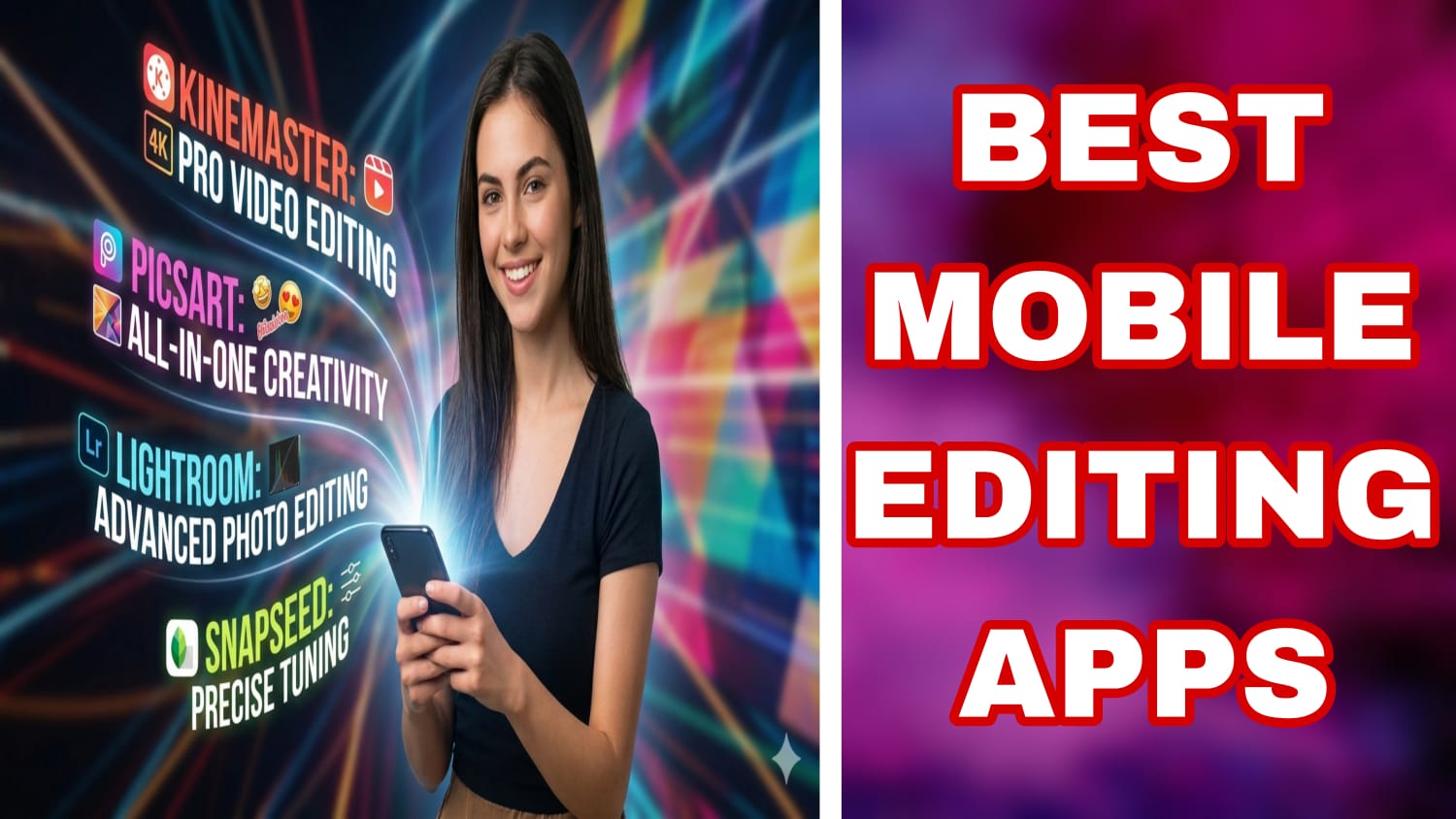
Adobe Lightroom is one of the best photo editing applications available for Android users. It is widely used for professional color correction and image enhancement. Lightroom provides advanced tools like exposure control, color balance, presets, masking, and RAW image editing. Many photographers use this app to create cinematic and high-quality images.The app also includes cloud synchronization, allowing users to access their projects across multiple devices. Beginners can use ready-made presets, while professionals can manually adjust every detail of the image. Lightroom helps improve photo quality and gives images a clean and modern look.
CapCut video editing effect & filter purposes
CapCut has become one of the most popular video editing apps for Android creators. It offers advanced editing features such as transitions, motion effects, slow motion, auto captions, AI background removal, and trending templates. Many Instagram reel creators and YouTubers use CapCut because it simplifies professional video editing.CapCut also supports high-quality exports and includes music libraries, text animations, and visual effects. The app is suitable for beginners because of its simple interface, while advanced users can use layered editing and keyframe animations for cinematic videos.
PicsArt for pro level photo editing tricks
PicsArt is widely known for creative photo editing and graphic design. It allows users to add stickers, effects, text, backgrounds, and artistic filters to images. Many content creators use PicsArt for thumbnail creation, poster design, and social media graphics.The app also includes AI-powered editing tools that make editing faster and easier. Features like background remover, face retouching, and collage maker help users create visually attractive content directly from their Android phones.
KineMaster video editing for content creation
KineMaster is another powerful Android editing application used by video creators. It supports multi-layer video editing, chroma key, voiceovers, transitions, and special effects. KineMaster is especially useful for YouTube video editing because it offers detailed timeline control.Users can add sound effects, animations, and cinematic transitions to improve video quality. The app is suitable for educational videos, short films, vlogs, and social media content. Many beginner editors start learning professional editing techniques through KineMaster.
Snapseed photo editing tips
Snapseed is a professional photo editing app developed by Google. It offers advanced editing features in a simple interface. Tools like healing, selective editing, curves, HDR effects, and portrait enhancement make it a powerful app for photographers.Snapseed is completely free and does not contain many distracting advertisements. Users can edit photos with precision and create natural-looking results. It is highly recommended for Android users who want high-quality photo editing without paying subscription fees.
Benefits of Mobile Editing Apps
Mobile editing apps provide several benefits for Android users. They improve creativity by offering professional tools in a portable format. Users can edit and upload content instantly without depending on computers or laptops. This increases productivity for social media creators and digital marketers.These apps also help users learn modern editing techniques such as cinematic color grading, AI editing, motion graphics, and visual storytelling.
Many creators earn money through freelancing, YouTube channels, Instagram pages, and digital marketing using content edited on mobile devices.Another important benefit is career growth. Mobile editing skills are now valuable in photography, social media management, content creation, advertising, and online business industries. Learning these apps can create future job opportunities for students and freelancers.
Future of Mobile Editing Applications
The future of Android editing apps looks very advanced and technology-driven. Artificial intelligence is becoming a major part of mobile editing. AI tools can automatically enhance images, remove backgrounds, generate captions, and apply professional effects within seconds.Future editing apps may include advanced 3D effects, virtual reality editing, and real-time cinematic rendering.Cloud-based collaboration features will also allow teams to edit projects together from different locations.
As smartphone cameras continue improving, mobile editing applications will become even more powerful and capable of replacing traditional computer editing software for many users.Social media growth will further increase the demand for quick and professional mobile editing. Content creators, influencers, and businesses will continue depending on Android editing apps to produce attractive digital content.
Conclusion
Android mobile editing apps have completely changed the way people create digital content. Applications like Adobe Lightroom, CapCut, PicsArt, KineMaster, and Snapseed provide powerful tools that help users create professional-quality photos and videos directly from their smartphones.
These apps offer creativity, flexibility, career opportunities, and easy access to modern editing technology. As technology continues to develop, mobile editing applications will become even more important for creators and businesses around the world.